MK Widget Card Your card, on your home screen.
Create a digital business card, share it with a QR code, and keep your contact and payment QR in a home screen widget.


iOS · Android
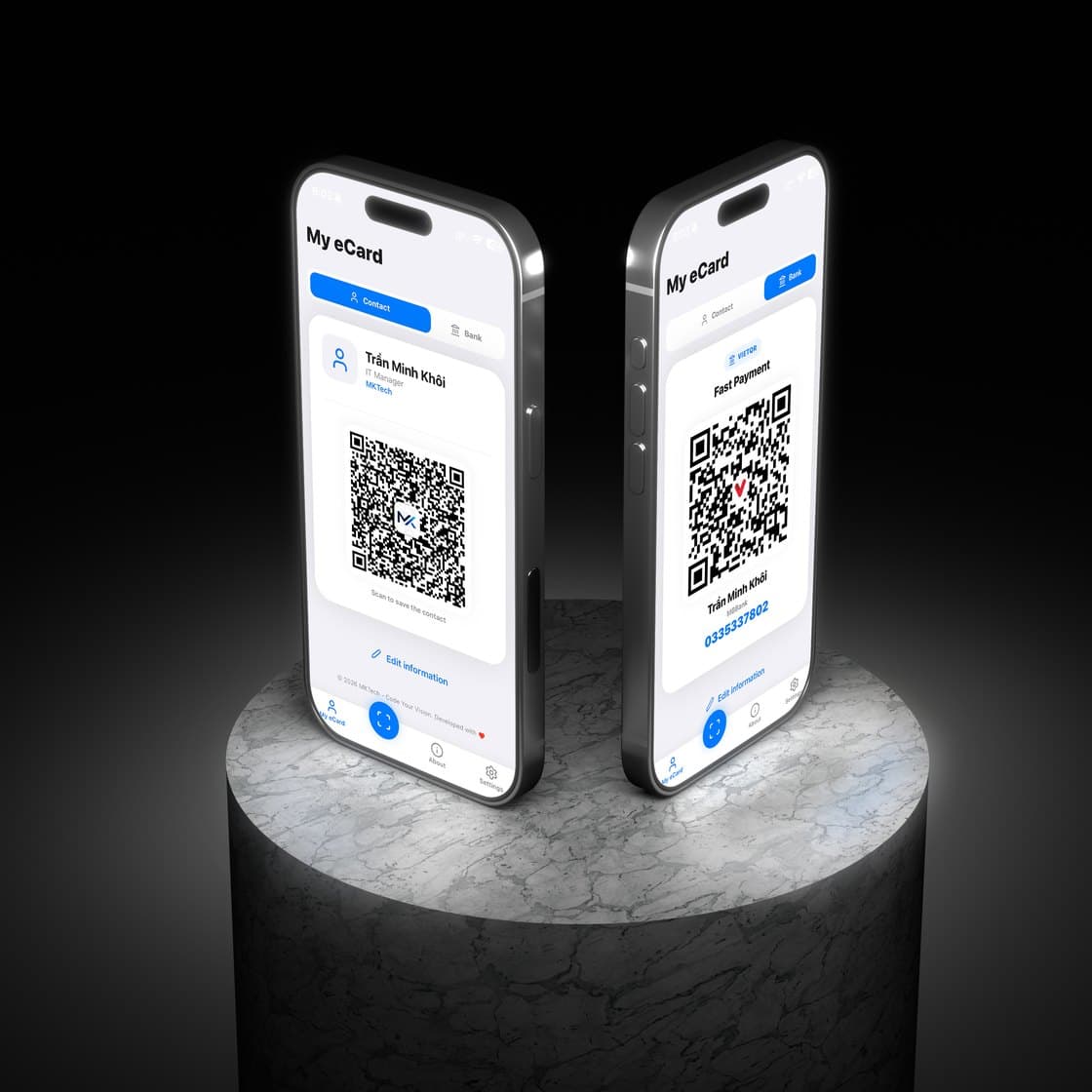
Set it up once. Share with a scan.
No paper cards, no typing numbers into someone's phone.
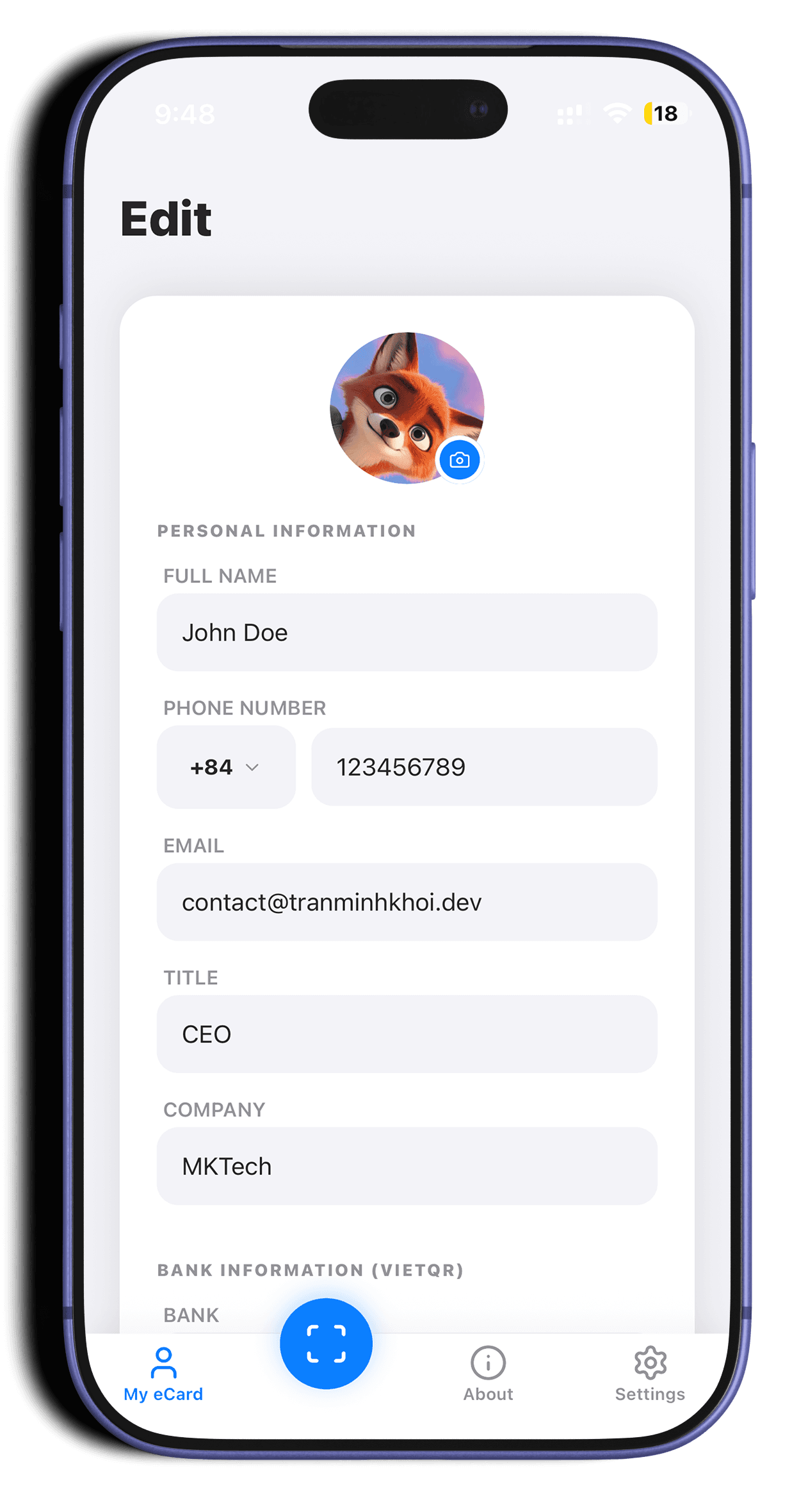
Create your eCard
Name, title, company, avatar and links. Everything in one card.
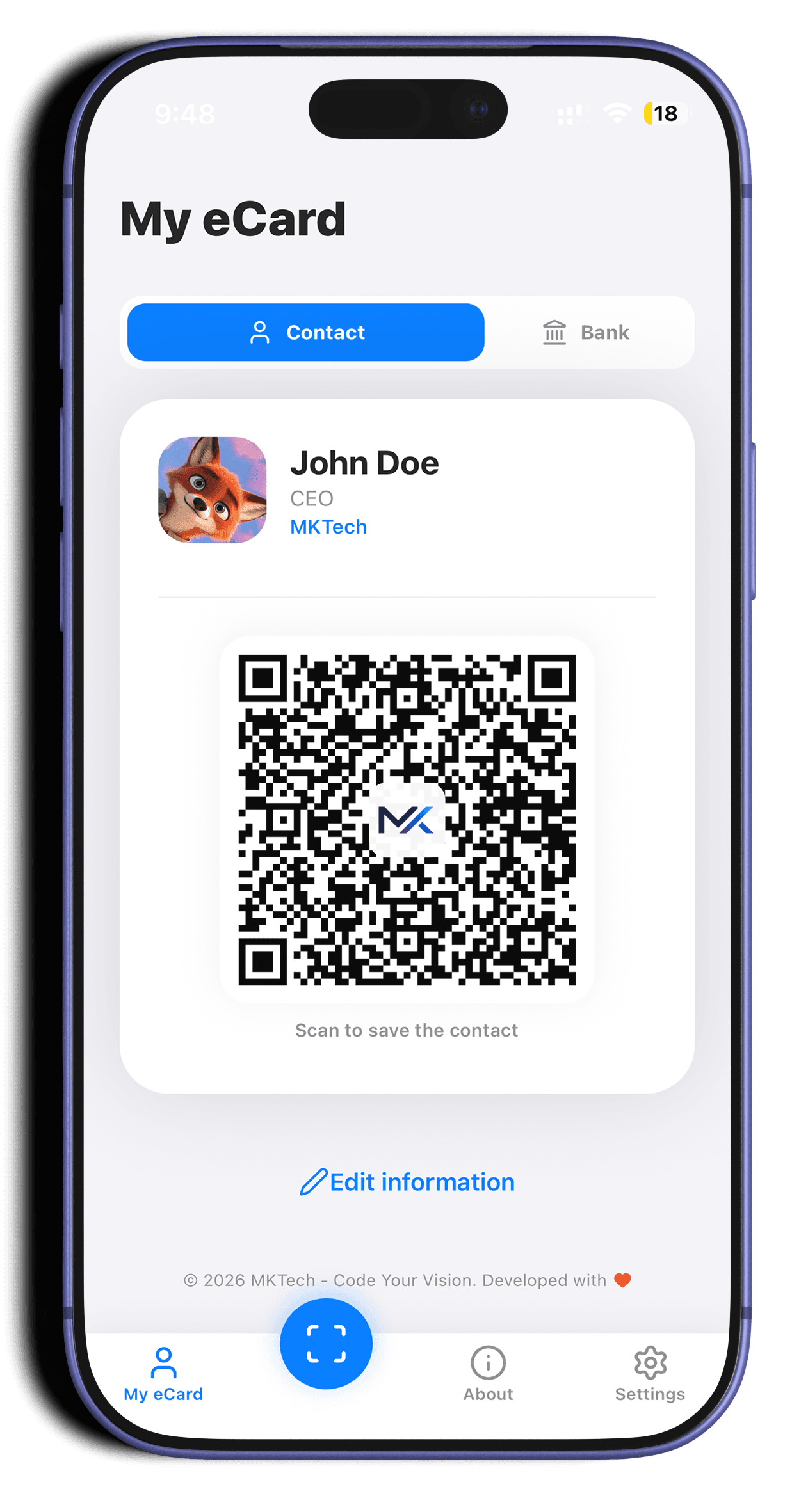
Share with a QR
Others scan the vCard QR and save you to their contacts in one tap.
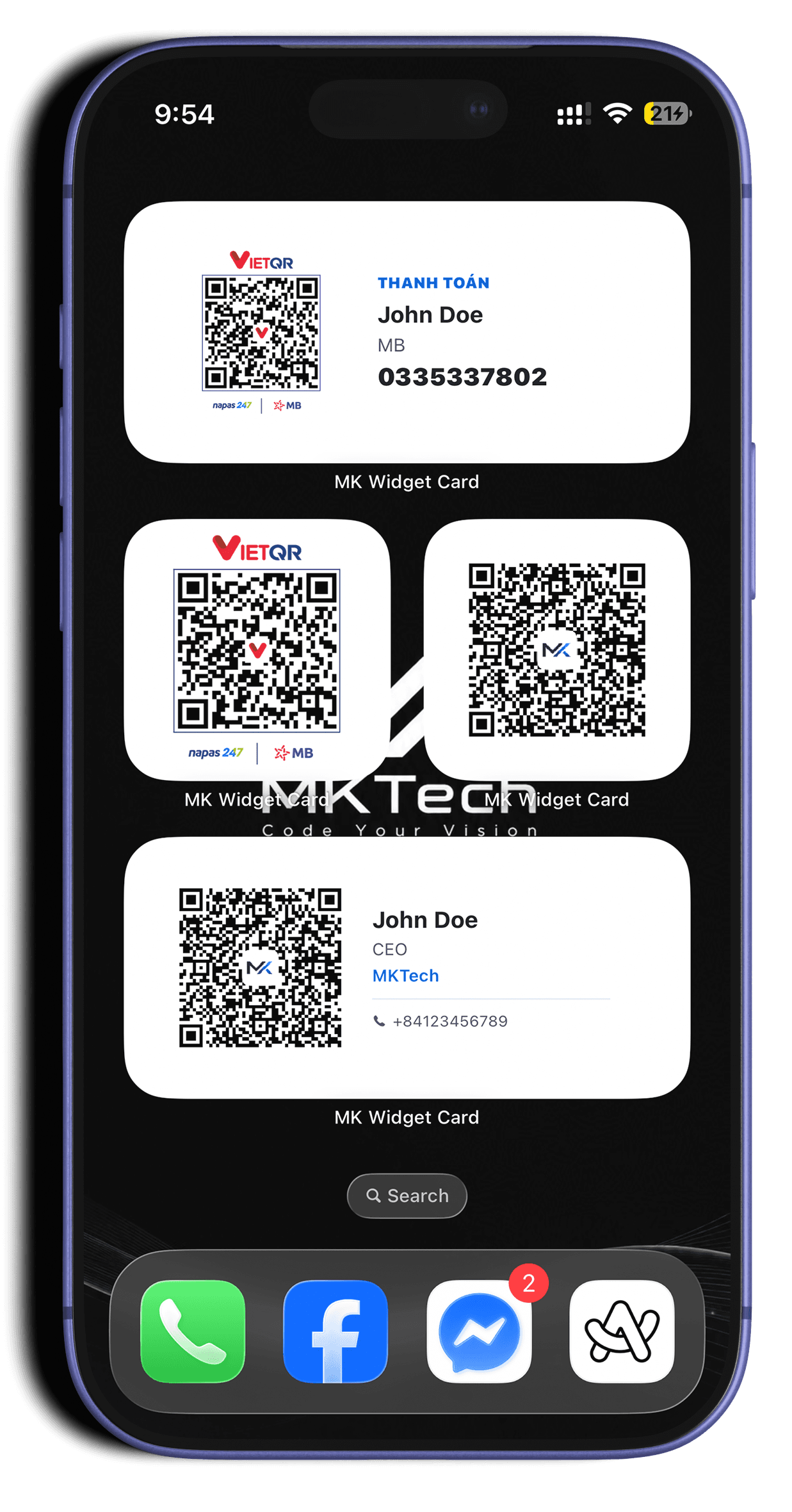
Add the widget
Keep your card or payment QR on the home screen, ready to show.
Everything a business card needs
Turn on only the parts you need.
Profile
Name, title, company, avatar and a short bio.
Contact QR
A standard vCard QR code. Scan it and the contact is saved, no typing.
Payment QR
VietQR, MoMo or a bank account, ready to scan when someone pays you.
Links
Website, Facebook, LinkedIn, GitHub and more on one card.
Home screen widgets
Several sizes for iOS and Android, on the home or lock screen.
Scan & save
Scan someone else's eCard with the camera and save it to Contacts.
Out on the App Store since 15.05.2026.
Here's version 2.0 in action. Also available on Google Play.
Data stays on your phone
Cards are stored locally and shared with the widget through App Groups.
Share as a link
Anyone can open your eCard in a browser, without installing the app.
Works with any phone
The QR uses the standard vCard format, so any camera app can read it.
Get MK Widget Card
Free on iPhone and Android.
More from MKTech
Other apps made by MKTech.